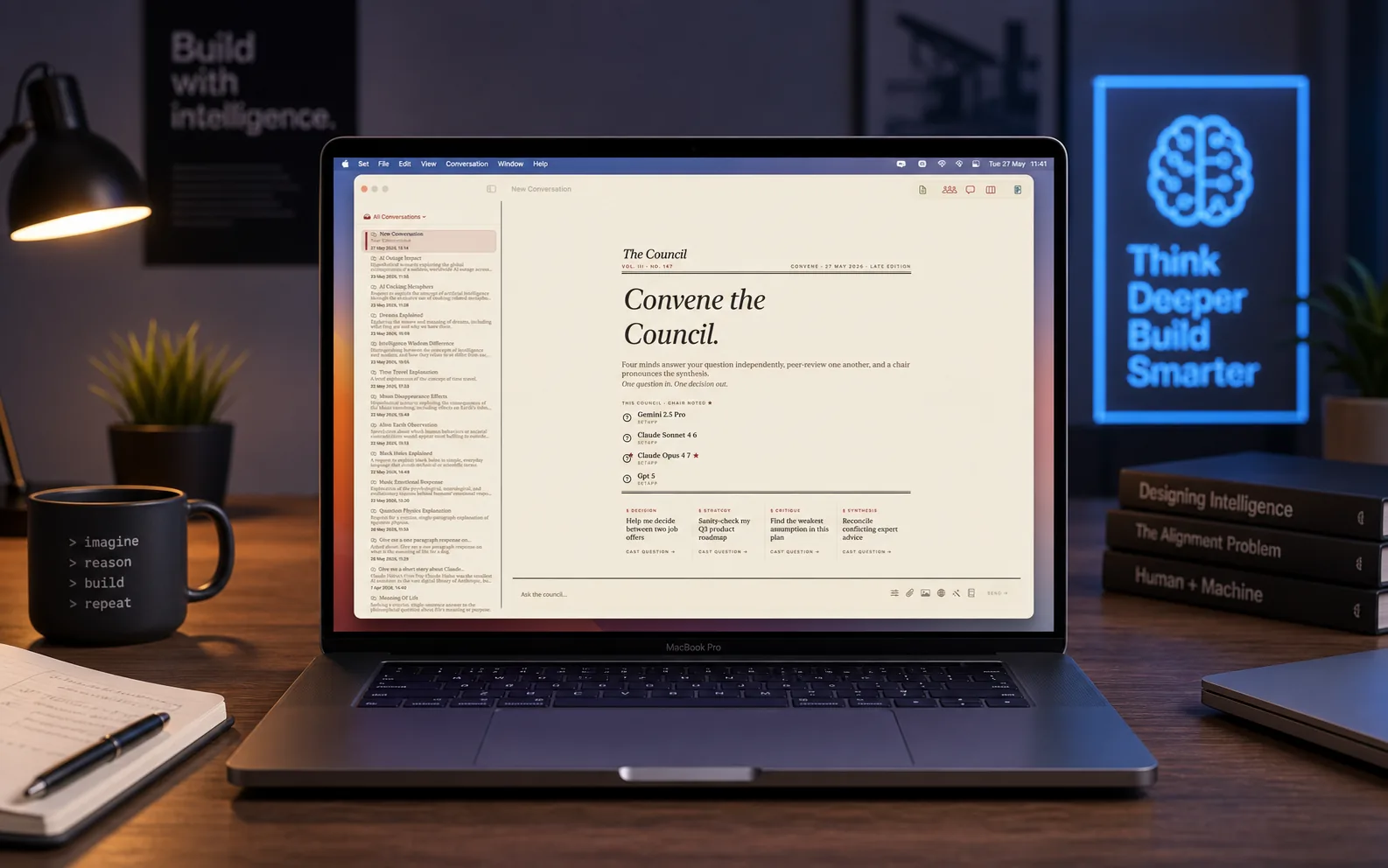
01/ AI Council

Ask once.
Get an answer that has been challenged.

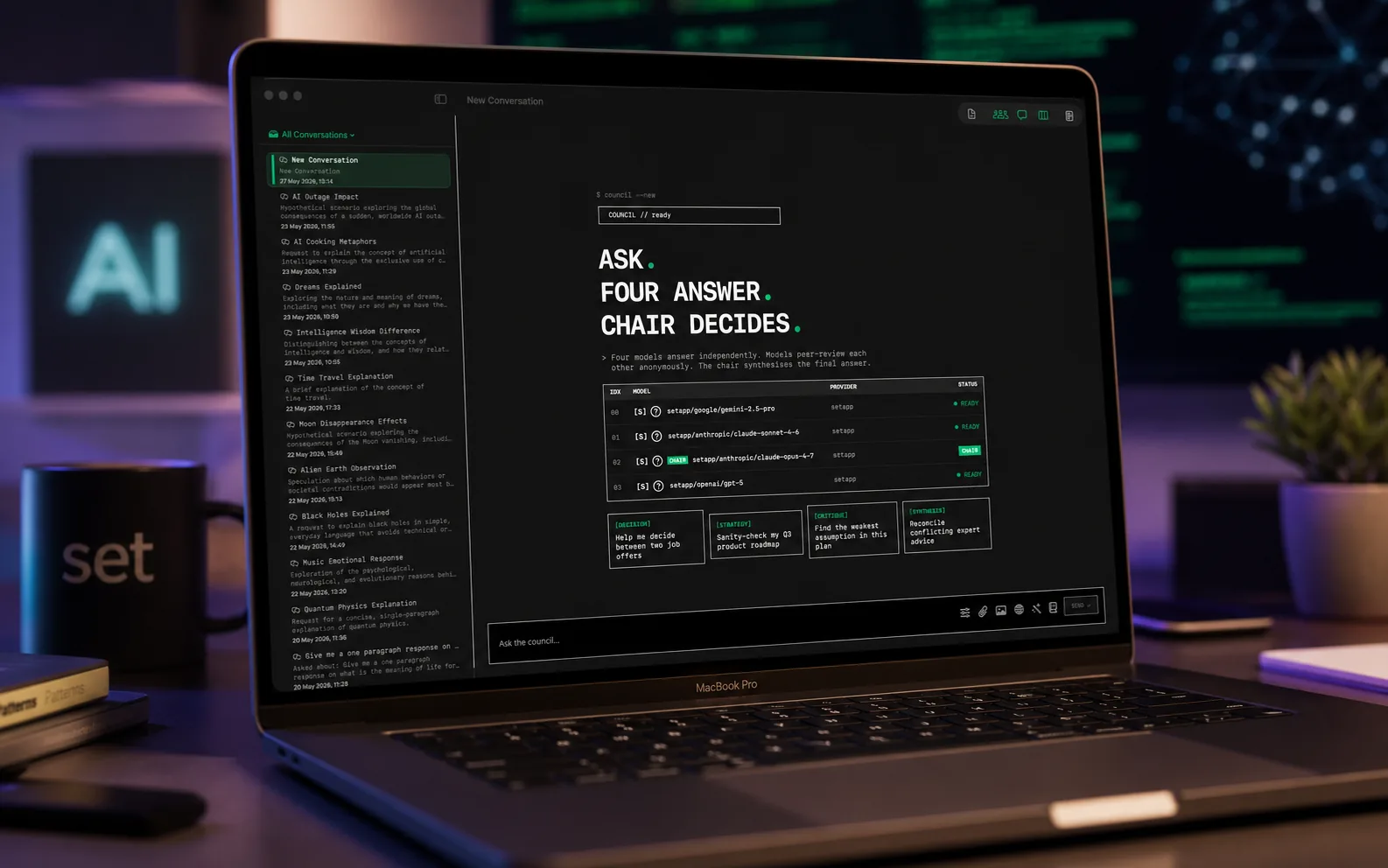
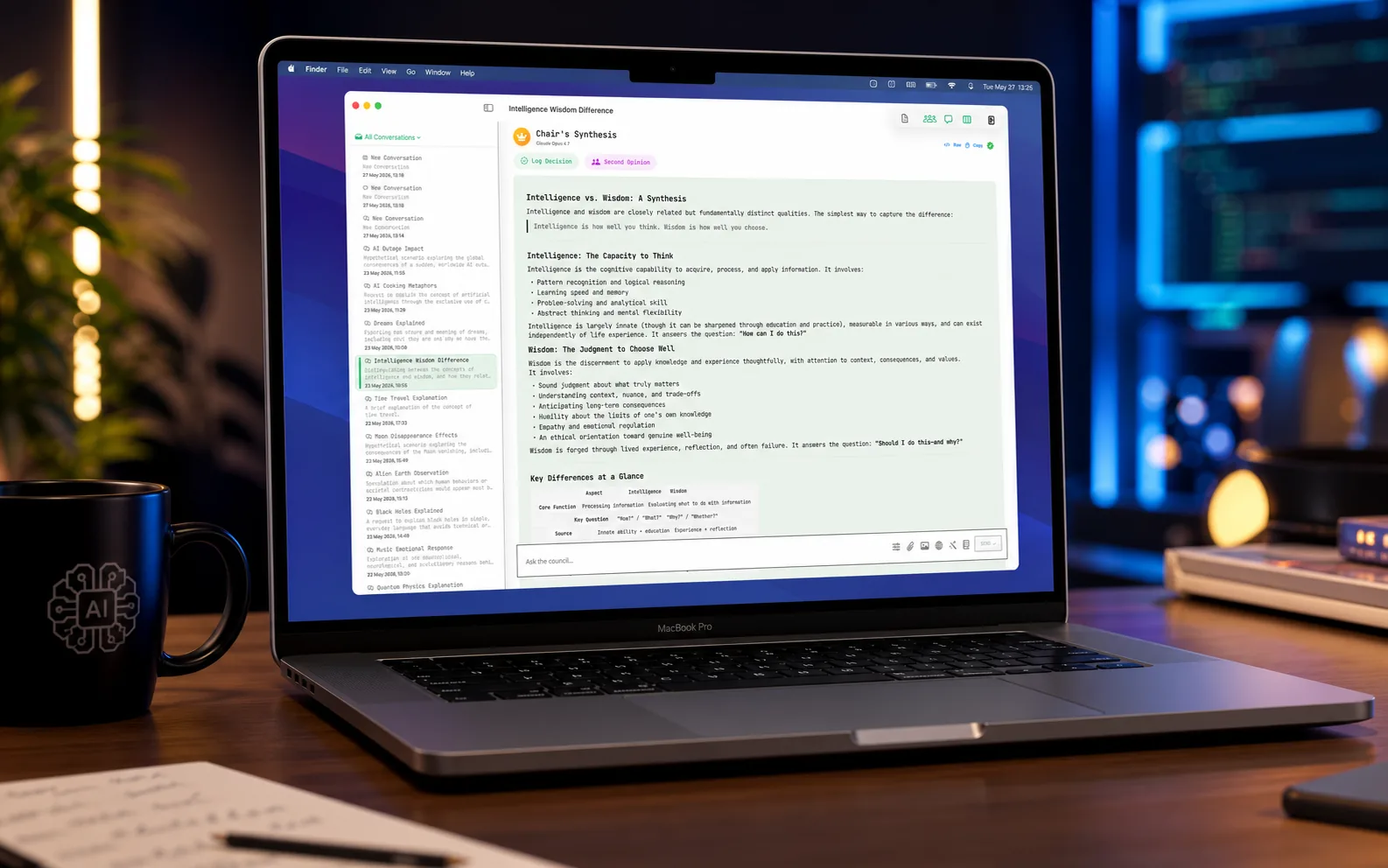
Council members answer independently. They then review each other anonymously and say what they would correct. The chair adopts justified corrections and reports what changed.

In 8.0Mac App StoreiPhone and iPadSetappAvailable now on Setapp. The App Store versions are awaiting Apple's review.

MultipleAI Providers
0Languages
0Themes
0Review recipes
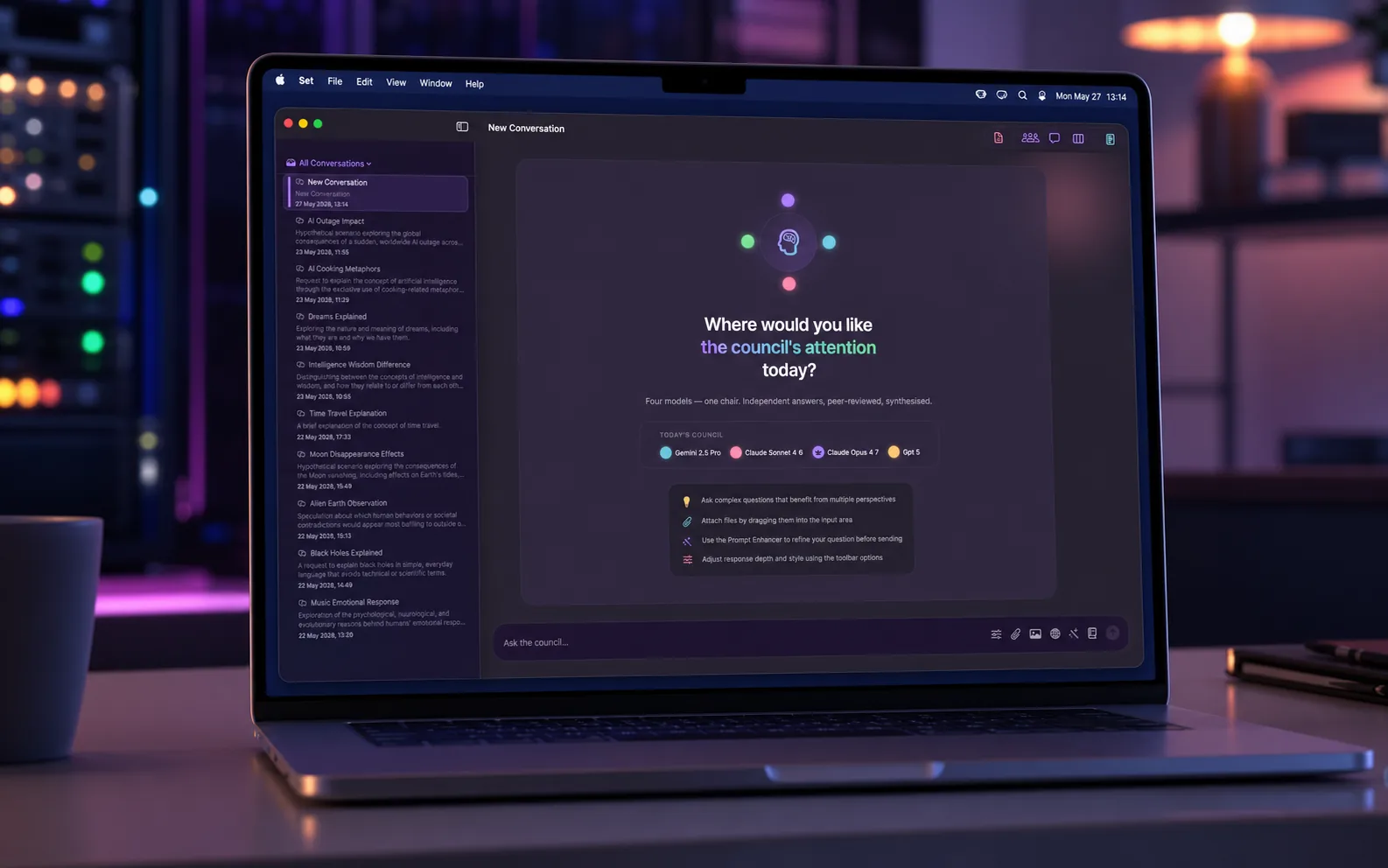
AI Council on macOS showing the council deliberating in the Original theme
AI Council · macOS
02/ The Problem

Every AI has blind spots.

Bring a plan, answer or proposal. Inspect objections, compare priorities and save a brief you can revisit.

In 8.0Mac App StoreiPhone and iPadSetappAvailable now on Setapp. The App Store versions are awaiting Apple's review.

A.

Pressure-test this

Paste a short plan or answer and inspect the objections and unresolved questions.

B.

Compare options

Add your own ratings from 0 to 10 and set criterion weights. Weighted comparisons update locally without a model call. Missing ratings stay missing; the results reflect your judgement.

C.

Build a reviewed brief

Edit your recommendation and export Markdown, JSON or a printable PDF with source and revision context. Inspect the readable export before sharing it.

03/ The Solution

Three stages to a checked answer.

In 8.0Mac App StoreiPhone and iPadSetappAvailable now on Setapp. The App Store versions are awaiting Apple's review.

01

Stage 1: independent answers

Every council member answers your question on its own. No member sees another answer at this stage, so each one stands on its own reasoning.

Member 1Independent
Member 2Independent
Member 3Independent
Member 4Independent
02

Stage 2: anonymous peer review

Each member reads all the answers, its own included, labelled Response A, B, C and so on, with no model names. It quotes any sentence it finds wrong, notes what is missing, and gives a verdict: corrects, qualifies or agrees. Then it ranks the answers. A vote for its own answer is excluded from the aggregate.

Corrects
Qualifies
Agrees
Self-votes excluded
03

Stage 3: the chair reports

The chair writes one answer from the reviewed responses. It adopts a correction when the reviewer justified it. Where members conflict on a fact, it picks one position and says why, or declares the point unsettled. It then reports what changed under three headings.

★ Council report
Corrections adopted
Disagreements resolved
Not settled
04/ Council report

What the Council changed.

In 8.0Mac App StoreiPhone and iPadSetappAvailable now on Setapp. The App Store versions are awaiting Apple's review.

01

The review card

The chair's answer arrives with a What the Council changed card above it: corrections adopted, disagreements resolved and what is not settled. Each correction names the reviewer and the response it corrected. A summary line counts the corrections, qualifications and agreements from the peer review.
02

Review notes on every member

Each member card carries the peer review notes written about its answer: the quoted errors, what was missing, the strongest point to keep and the verdict. The label the reviewers saw is shown, so you can trace an anonymous review back to the model that wrote it.
03

Challenge the answer

Three controls put the answer back to the members for one bounded round. Each available member replies or is noted as absent. The chair is asked to rule; a failed chair response remains visible in the saved round.
Check this claimChallenge this conclusionExplain the disagreement
04

Follow-ups say who answered

A follow-up answered by the chair alone is labelled as such, without peer review. It carries an Ask the Council action that runs the same question through the full council.
05

Start with the question

Type your question first. Until two models are available, the composer stays open and a card in the conversation connects one provider without leaving it. If the council still has fewer than two models, Choose models on the card opens Council settings. Send becomes active once the council has two members.
05/ Features

Review Workspace, alongside your council.

In 8.0Mac App StoreiPhone and iPadSetappAvailable now on Setapp. The App Store versions are awaiting Apple's review.

01

Agreement and evidence

Model agreement, matching source excerpts and unresolved questions are shown separately. Agreement and a matching quotation do not prove factual correctness.
02

Council Interaction Modes

Choose how your council deliberates:
  • Devil's Advocate: One model challenges assumptions
  • Expert Panel: Specialist roles (Security, UX, Architecture)
  • Debate: Models argue positions before synthesis
  • Consensus Seeker: Focus on common ground
03

Council Chains

Execute multi-stage workflows where each stage feeds into the next:
Research→ Analyse→ Report
04

Deliverable Templates

Templates provide a suggested document structure. Check the generated sections, evidence and wording before using the result.
PRDCode AuditMeeting NotesBusiness CaseCompetitive Analysis
05

Revisit what changed

Changing sources, options or priorities marks earlier AI analysis stale. A confirmed new review creates a proposal to compare in What changed. Your edited brief remains separate.
06/ Features

And much more.

Local Models*

Run supported local models on your Mac without model API charges. Use local-only review to keep its model requests local. *macOS only

Project Workspaces

Persistent context automatically included in every query. Perfect for ongoing work.

iCloud Sync

Conversations and settings sync across your Mac, iPhone, and iPad when you own both apps.

Evidence Mode

Evidence Mode asks for citations. Check that each reference exists and supports the claim.

Decision Audit Trail

Record decisions with their council context and export them for your records.

Prompt Enhancer

A stepped wizard refines your prompts using 10+ frameworks, with model-specific optimisation.

And much more

Real-time streaming responses
Full-text search across conversations
Export to Markdown or JSON
Ranking criteria presets
Second opinions on demand
Appearance customisation
Smart follow-up suggestions after synthesis
iCloud sync across all your Apple devices
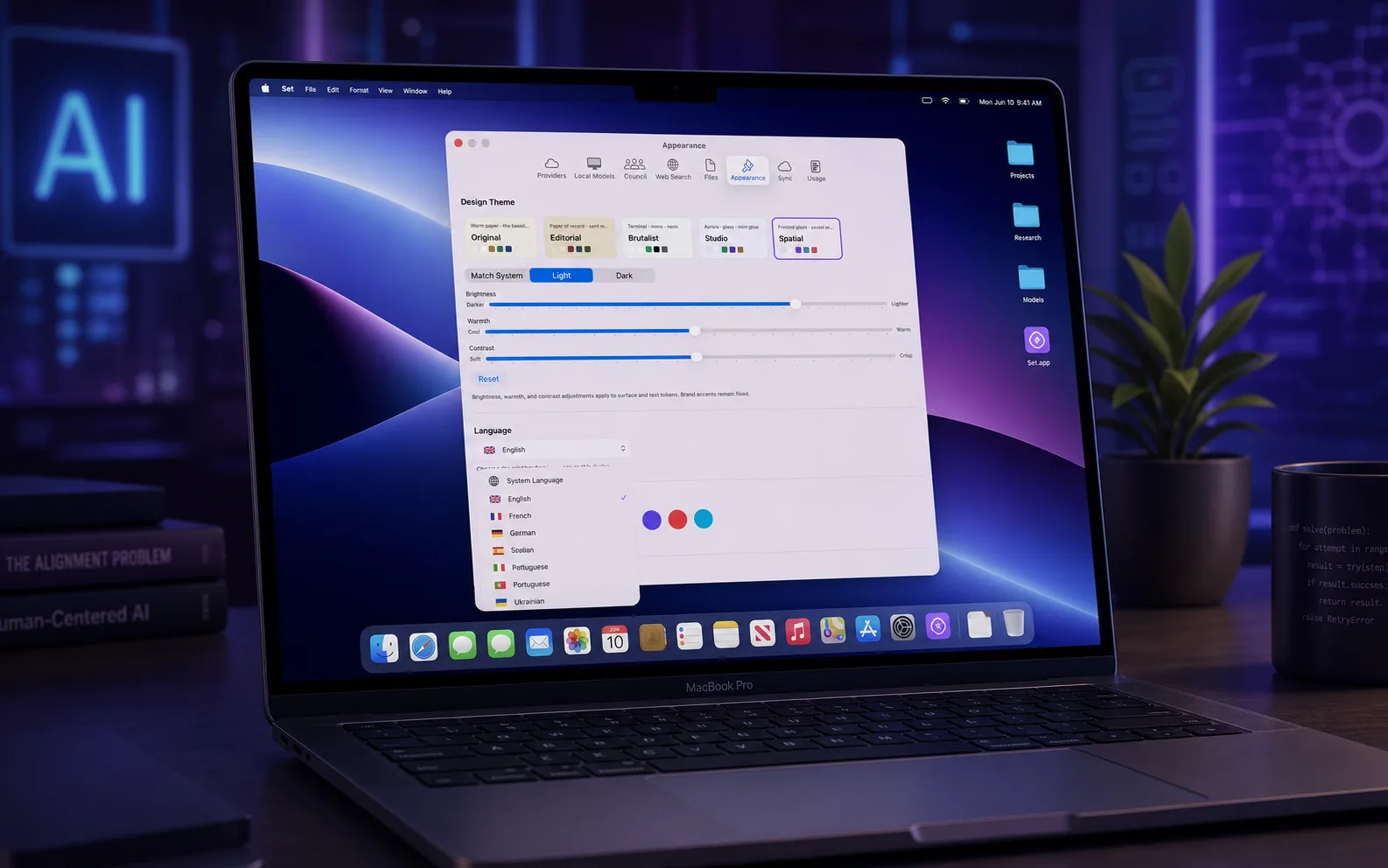
Eleven interface languages, fully translated
Five interface themes with density and accent options
Image input for vision-capable models
Live web search with cited sources
Comparison view to run models side by side
Direct Chat with a single model
Document import and project workspaces
07/ Themes

Five ways to make it yours.

The Original theme: a clean, light parchment interface

Original

Clean and light. The classic AI Council look.

01
The Editorial theme: a warm, considered reading layout

Editorial

Warm, serif and considered, like a quality long read.

02
The Brutalist theme: a stark monospaced terminal look

Brutalist

Stark monospaced terminal energy for the keyboard-driven.

03
The Studio theme: a calm, focused workspace

Studio

A calm, focused workspace built for long sessions.

04
The Spatial theme: a deep, dimensional dark interface

Spatial

Deep and dimensional, with a sense of space and depth.

05
08/ Languages

Speaks your language. All eleven of them.

Every screen, menu, label and chart is fully translated, including the language picker itself. Choose your interface language in Settings and the whole app follows.

English
Français
Deutsch
Español
Italiano
Português
Українська
Polski
Nederlands
日本語
Türkçe

This website is multilingual too. Use the language picker in the navigation bar to switch.

10/ Providers

Connect to cloud and local AI providers.

App Store editions use your provider accounts for cloud models. Setapp on Mac offers managed AI access, subject to your account and available credits. The fictional sample, drafting and local calculations need no API keys and make no model calls.

OpenAIAnthropicGooglexAIMistralGroqPerplexityDeepSeekTogetherCohereFireworksDeepInfraCerebrasSambaNovaMiniMaxZ.aiOpenRouterOllamaLM Studio

API keys are stored securely in your device's Keychain. We never see your keys. *Local model providers (Ollama, LM Studio) are available on macOS only. Model lists refresh from the providers you have set up, so new models appear without an app update. Add any other OpenAI-compatible service as a custom provider. Configure providers in the Providers tab of Settings. Prefer not to manage API keys? Setapp managed AI access depends on your account and available credits.

11/ Privacy & Security

Your conversations. Your data. Period.

Review workspaces and conversations are encrypted in app storage. Cloud requests send the selected material to the named provider or gateway. Exported files are readable documents.

Understand where requests go

A cloud request sends your question and included source or conversation context to the selected provider or gateway. Each service applies its own data policies.

AES-256 Encryption

Conversations and review workspaces use AES-256-GCM encryption in app storage. Keep access to your device and encryption keys secure.

Keychain Storage

Provider API keys are stored in Keychain and used to authenticate requests to the configured service.

Setapp vs BYOK Routing

Review the named route before confirming. An approved review uses that route and does not silently switch providers after a failure.

Private iCloud Container

Optional iCloud sync uses your private CloudKit database. It requires iCloud access and compatible app settings. Local storage encryption does not make exported files private.

Local Models (macOS)

Local-only review blocks cloud model requests and web search. Supported local models use device resources; availability depends on the device and model setup.

App and website connections

The app connects to configured services and retrieves model information. This website uses Google Analytics and external assets. See the Privacy Policy for the distinction.

12/ Pricing

Two apps. One ecosystem.

App Store editions use your provider accounts for cloud models. Setapp on Mac offers managed AI access, subject to your account and available credits.


macOS
€29.99
One-time purchase. Free updates included.
Cloud models from multiple providers
Unlimited local models*
All council modes and chains
Agreement analysis
iCloud sync across devices
Free updates for life
Download on the Mac App Store
Requires macOS 14.0 (Sonoma) or later. Also on Setapp.
iOS
€9.99
One-time purchase. Free updates included.
Cloud models from multiple providers
All council modes and chains
Agreement analysis
iCloud sync across devices
iPhone and iPad support
Free updates for life
Download on the App Store
Requires iOS 17.0 or later (iPhone and iPad)
Setapp SetappAI access
AI access
Setapp for macOS. AI access depends on your account and available credits.
Managed AI access for eligible accounts with available credits. No API keys needed.
A range of models across GPT, Claude, Gemini, and more
New models appear automatically as providers release them - no app update needed
Choose managed Setapp routes or your own provider accounts
In-app usage estimates, always marked with ~
AI Council app access through Setapp
Same council, modes, themes, and languages
Setapp subscription. macOS only; AI access depends on your account and available credits.

* Local model support (Ollama, LM Studio, GGUF files) is available on macOS only. iCloud syncs conversations across devices when both apps are purchased separately.

AI Council is not available in Mainland China due to local restrictions.

13/ Download

Ready to inspect a decision?

The fictional sample, drafting and local calculations need no API keys and make no model calls.

Download on the Mac App Storefor macOS
Download on the App Storefor iPhone and iPad
for macOS, Setapp AI access varies by account